Turn “will it fit?” into add to cart
DressApp shows every shopper your clothes on their own body, in the size they should order. Live on your Shopify store in minutes with no code, and on Pay Per Sale your first 30 days cost nothing unless try-ons sell.
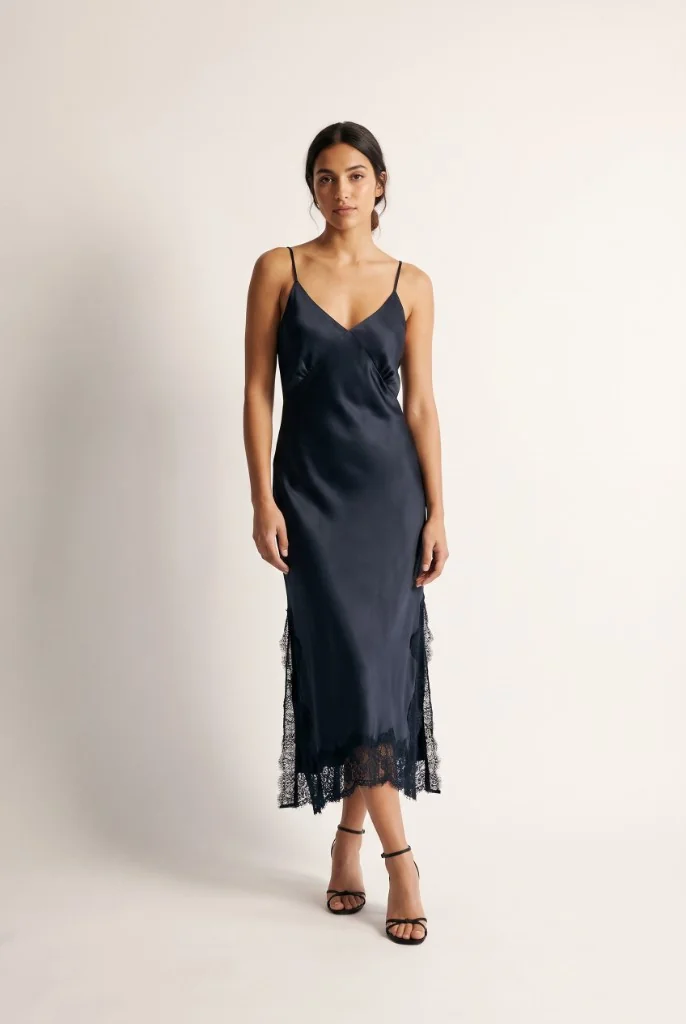
Recommended size: M
Based on your measurements
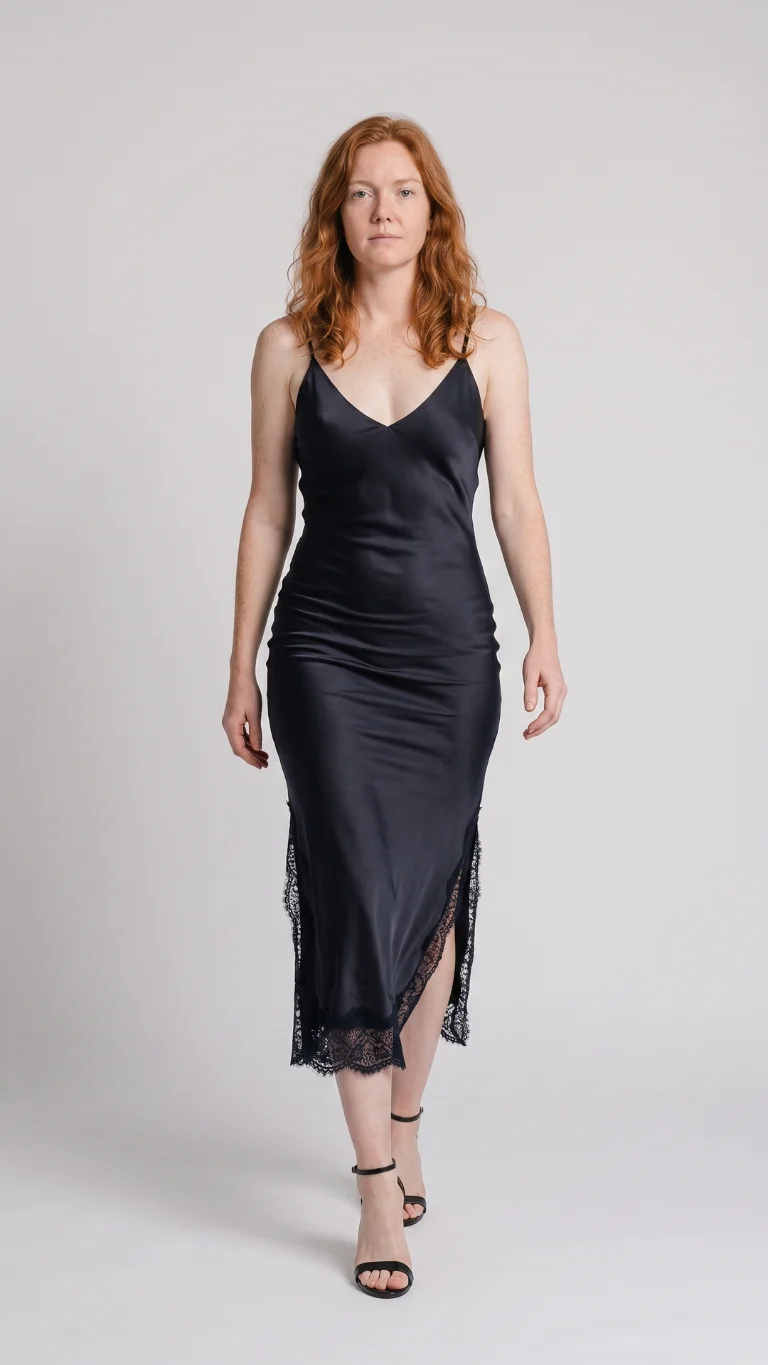
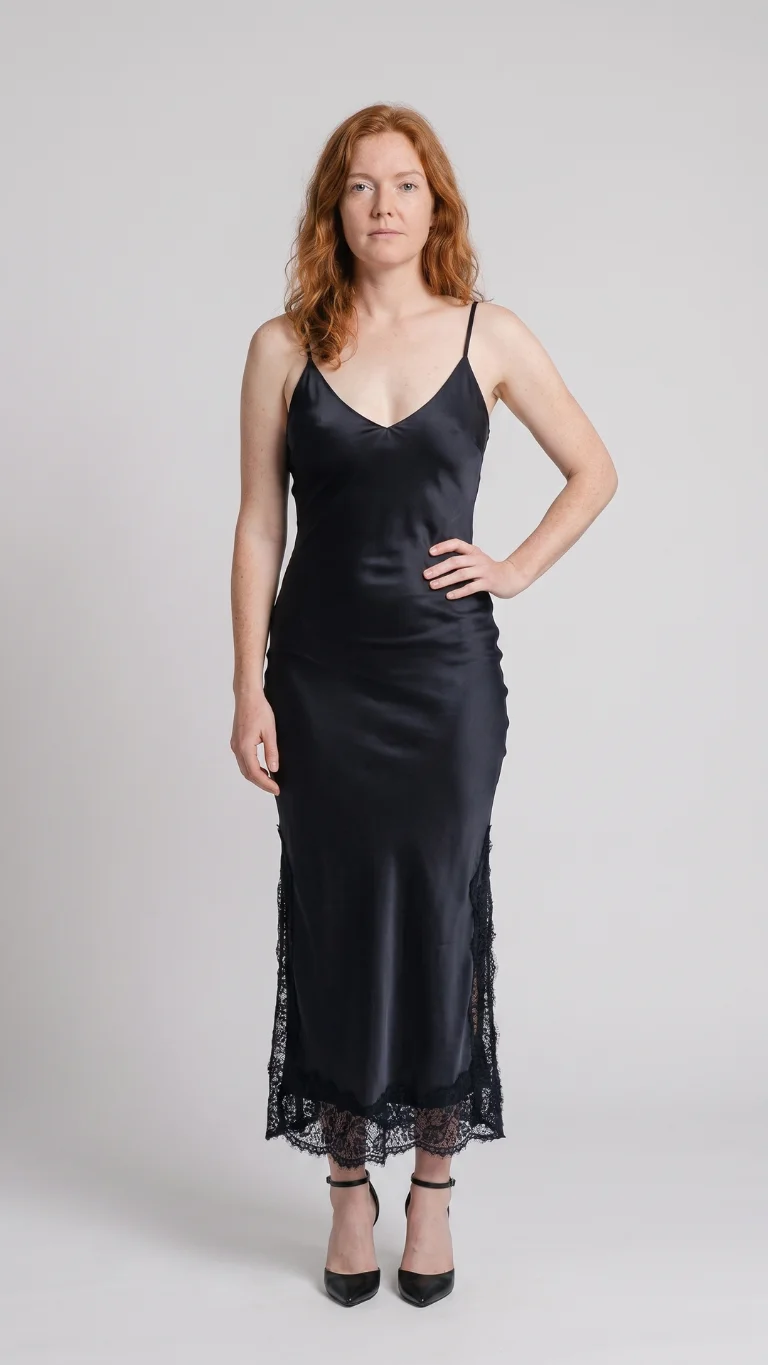
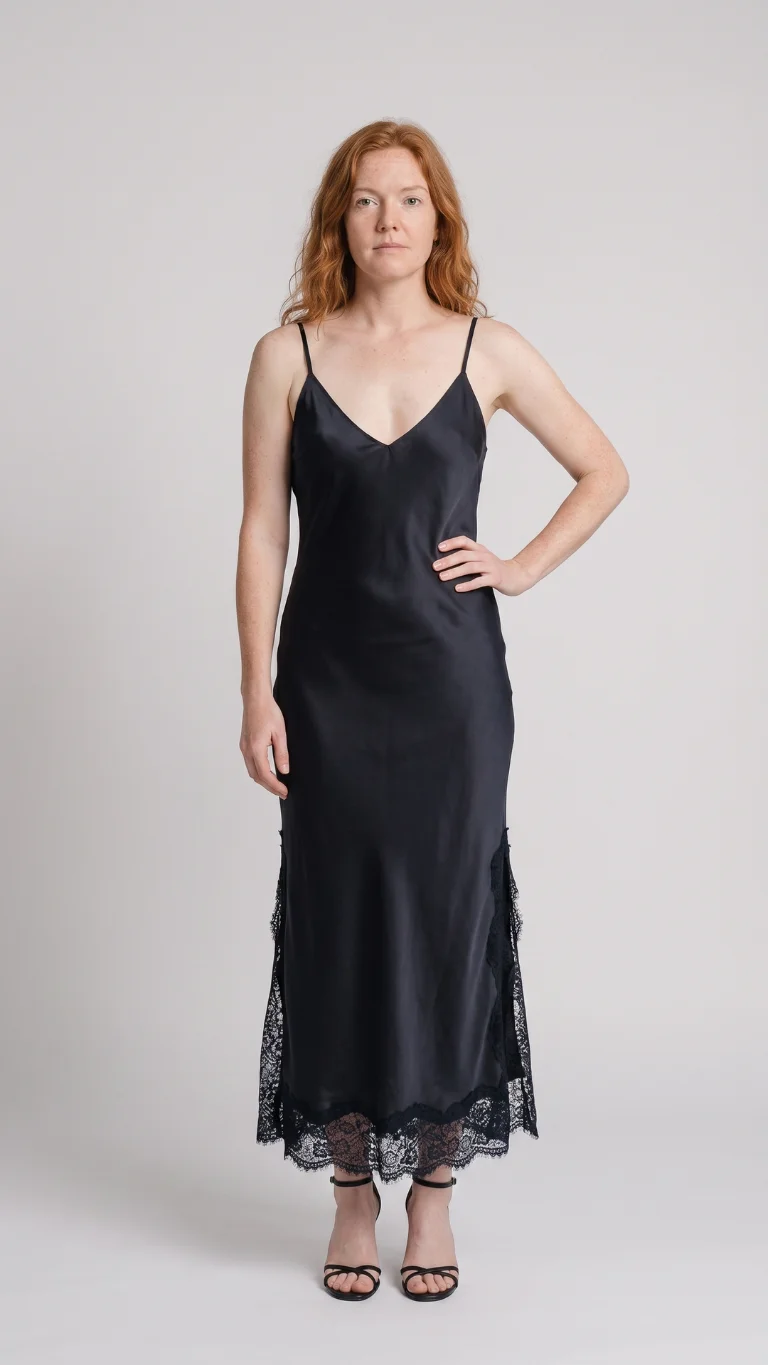
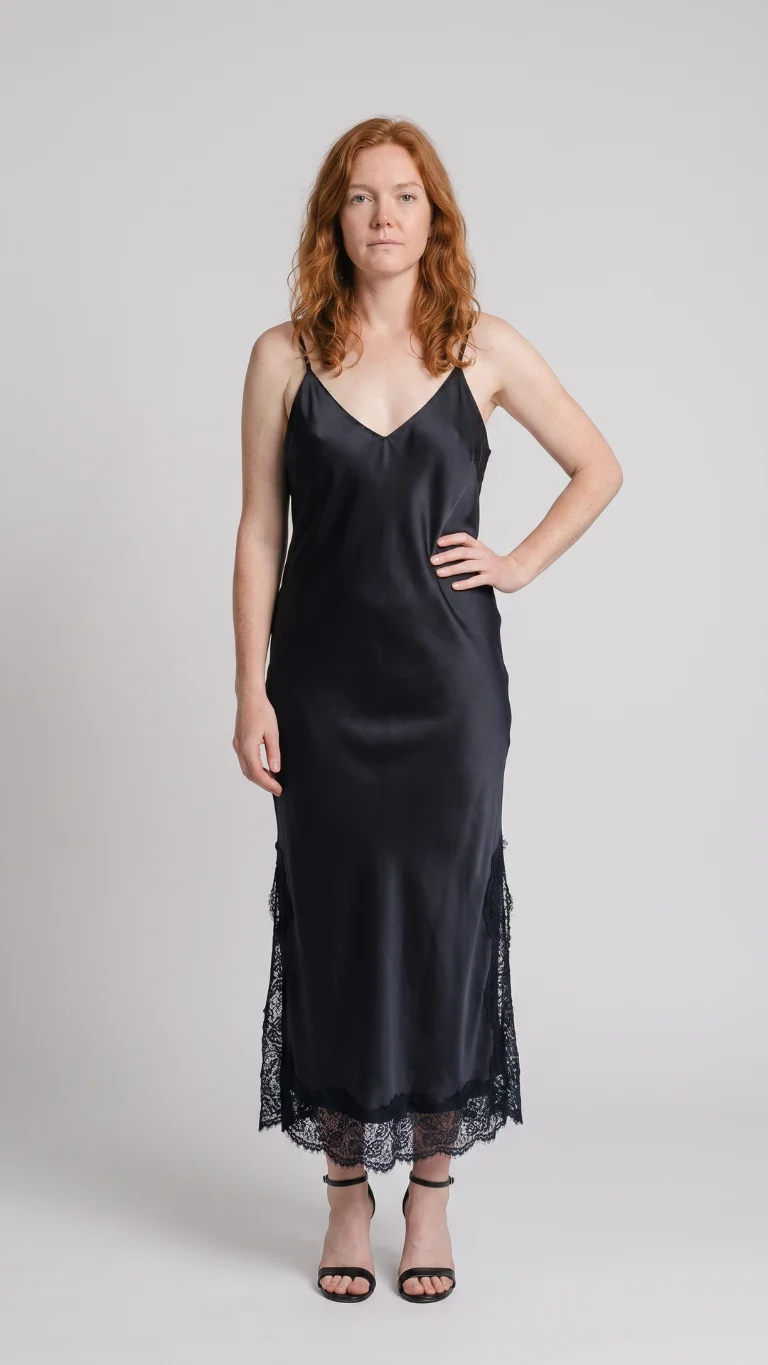
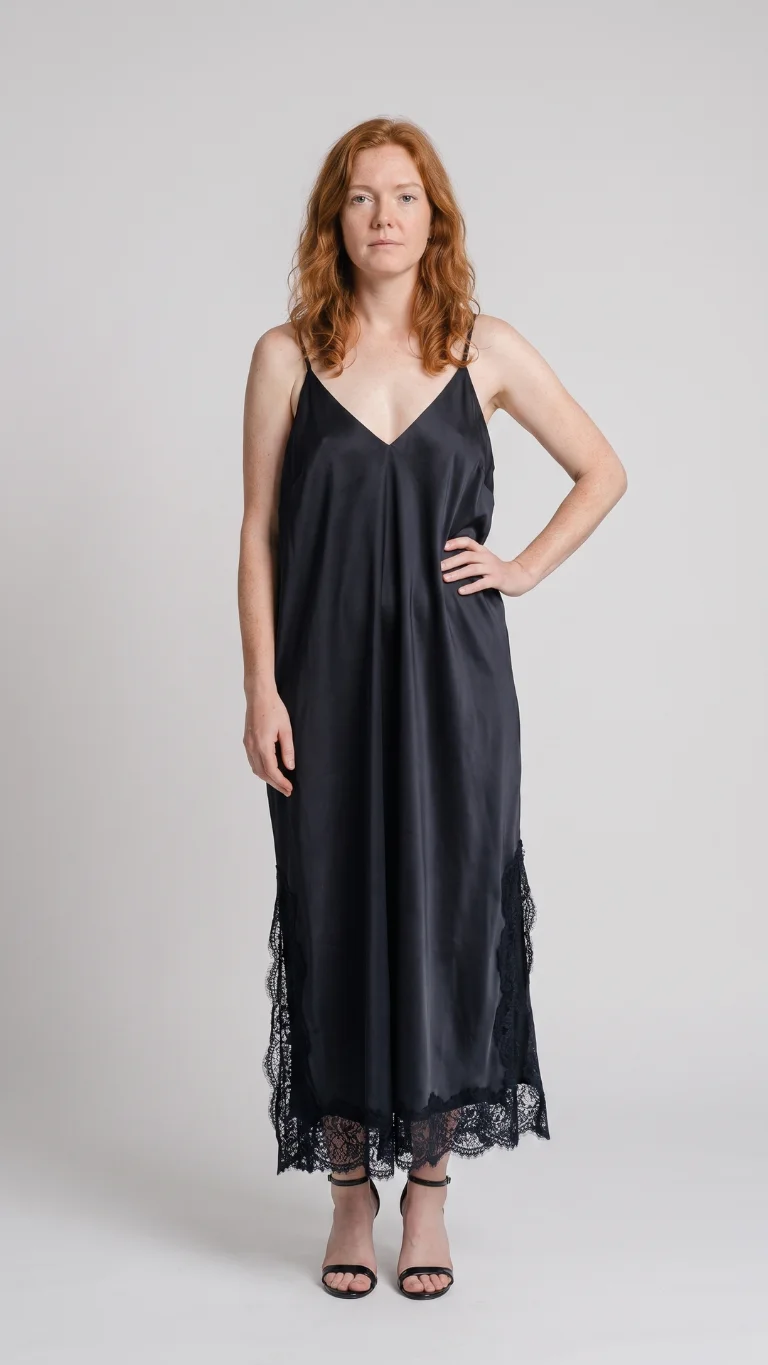
BIG - OVERSIZED
Real pilot results · 3 Shopify stores · 8 weeks
+31%
Store conversion rate since installing DressApp
5×
More likely to buy an item after trying it on
+17%
Higher average order value for shoppers who tried on
1,250+
Virtual try-ons by 255 shoppers
Other try-on apps show the outfit. DressApp also picks the size.
Wrong size is the return you can prevent. Here is how DressApp compares with the typical Shopify try-on app, feature by feature.
Size recommendation from your size chart
Tells each shopper which size to buy.
Try-ons rendered in the selected size
Shows where each size is tight, draped or loose.
Uses the shopper's height and weight
Fit comes from measurements, not just a photo.
Saved personal model
Set up once, reused on every product.
Complete the look suggestions
Suggests pieces to try together.
Bags, hats, jewelry and watches
Accessories as well as clothing.
Hebrew and right-to-left stores
Fully localized shopper experience.
Pay per sale, not per try-on
Unlimited try-ons, 5% of attributed sales, $25 monthly minimum (fees count toward it; waived if no tried-on sale in your first 30 days).
“Typical try-on apps” reflects the public Shopify App Store listings of five AI clothing try-on apps, reviewed October 2026. “Not listed” means the listing does not mention it. Listings change, so check each app's page before you decide.
From product page to “that's my size”
Your shoppers stop guessing. They see the item on their own body, in their size, and buy with confidence instead of ordering two sizes and returning one.
Create a model, once
One photo plus height and weight builds a personal model the shopper reuses on every product.
Browse and get a size
On any product page, DressApp recommends the size to order from your own size chart.
See it, then buy it
They see that size on themselves, then add it to cart with confidence.
Supported try-on categories:
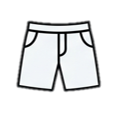
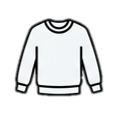
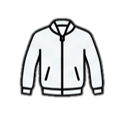
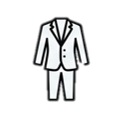
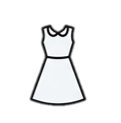
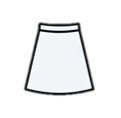
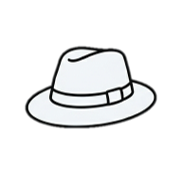
Real DressApp try-ons of real store products, all on one shopper model.
Answers the two questions that stop a checkout
“Will this suit me?” and “Which size do I order?” DressApp answers both on your product page, so shoppers buy instead of bouncing or bracketing sizes.
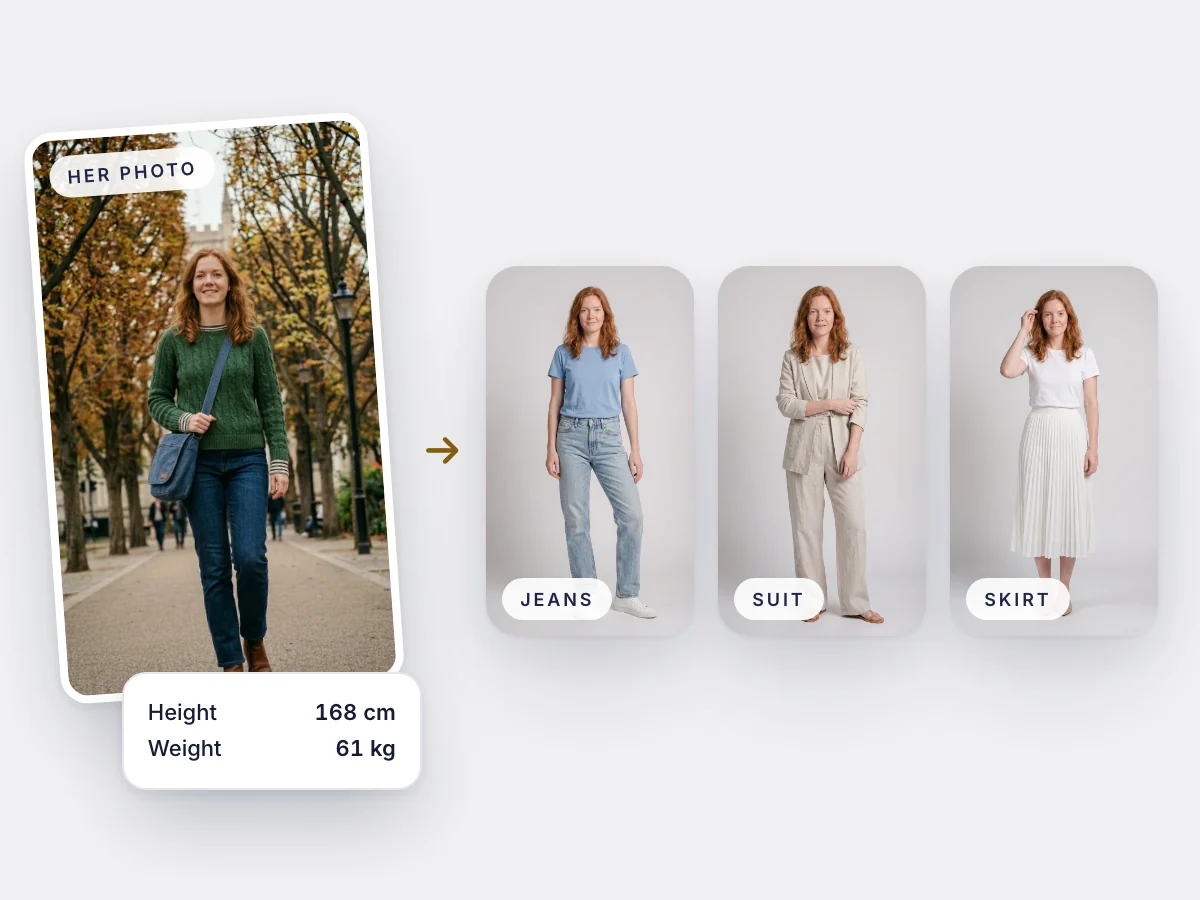
A personal model, built once
One full-body photo plus height and weight. From then on every product renders on the shopper's own face and body - not a generic model.
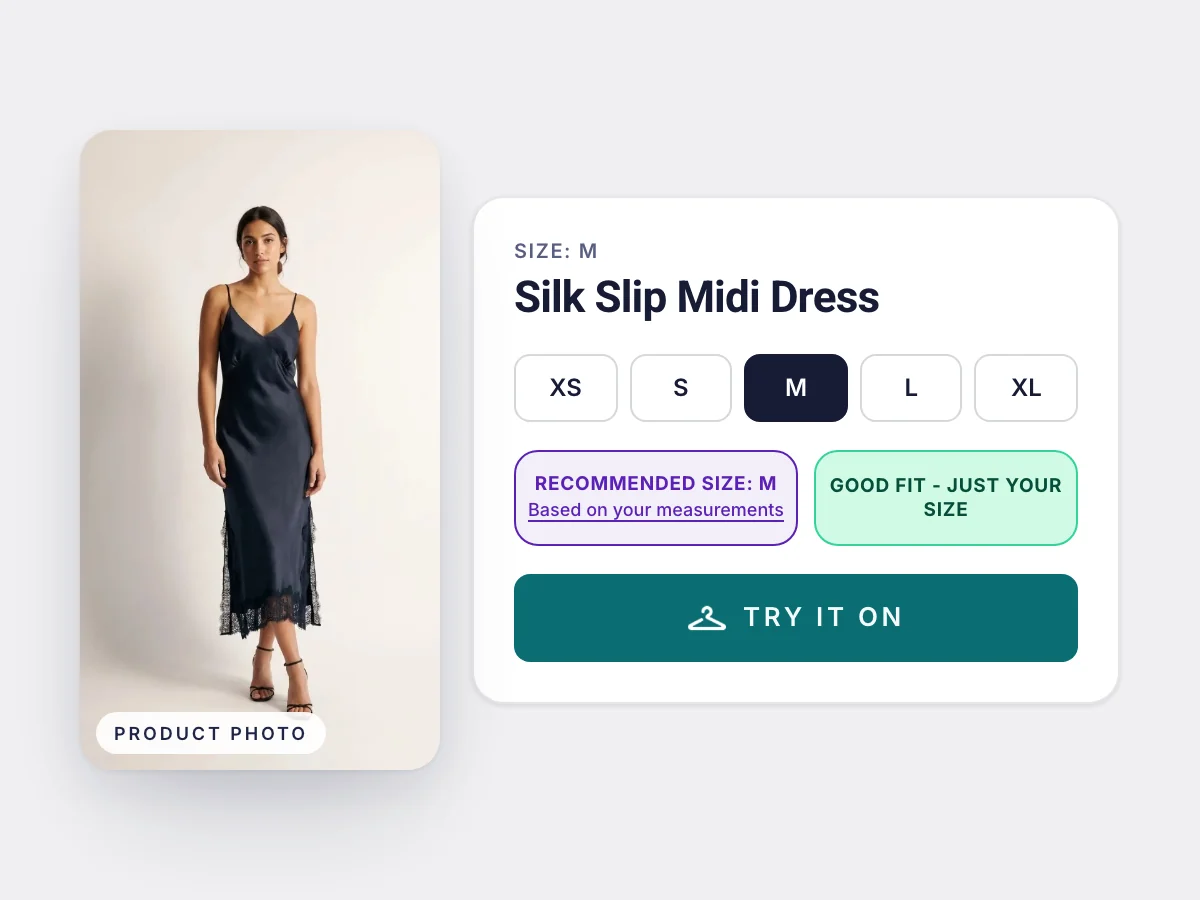
Best-size recommendation
DressApp reads your size chart and the shopper's measurements, then recommends the size to buy - with between-size guidance for how they like clothes to fit.
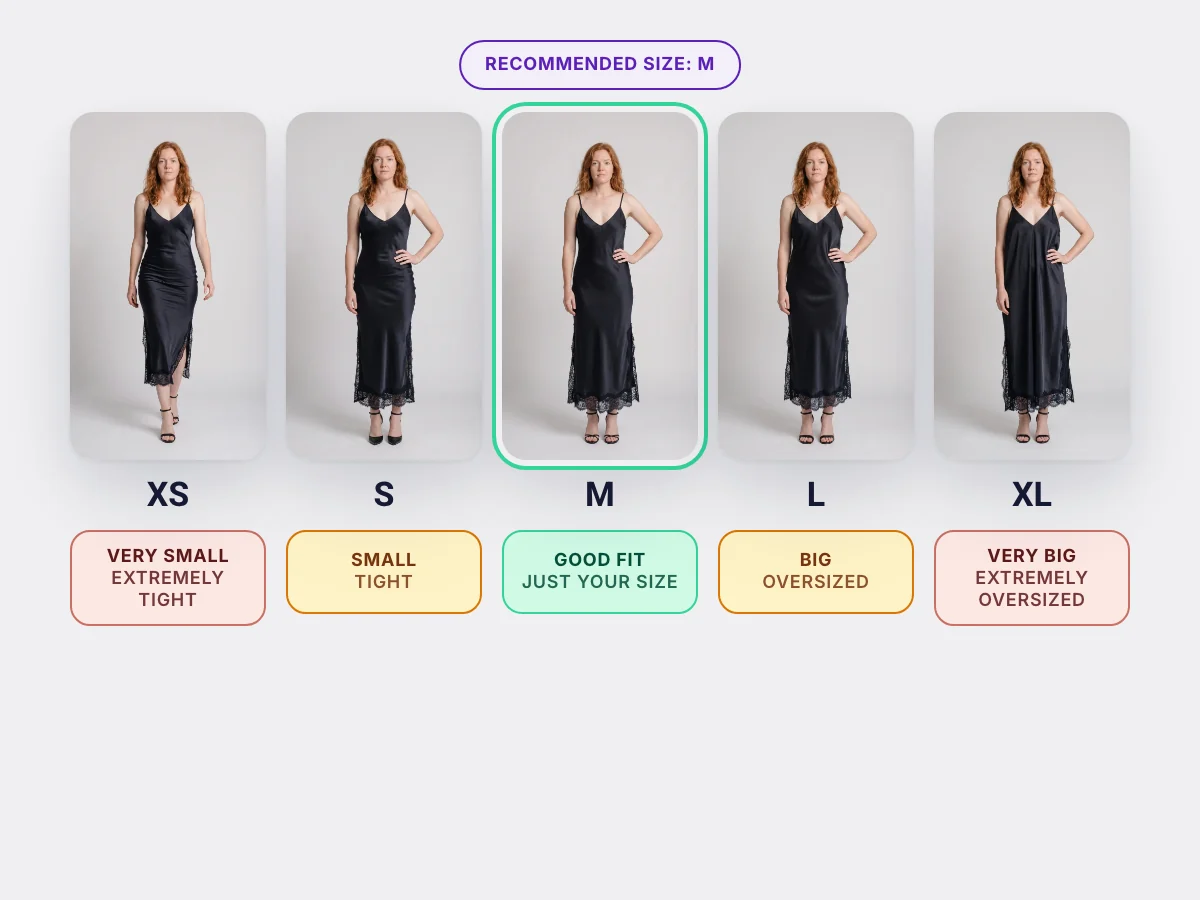
Every size, honestly rendered
Shoppers flip between sizes and see where each one hugs, drapes or hangs loose, with a plain-words fit verdict on every size.
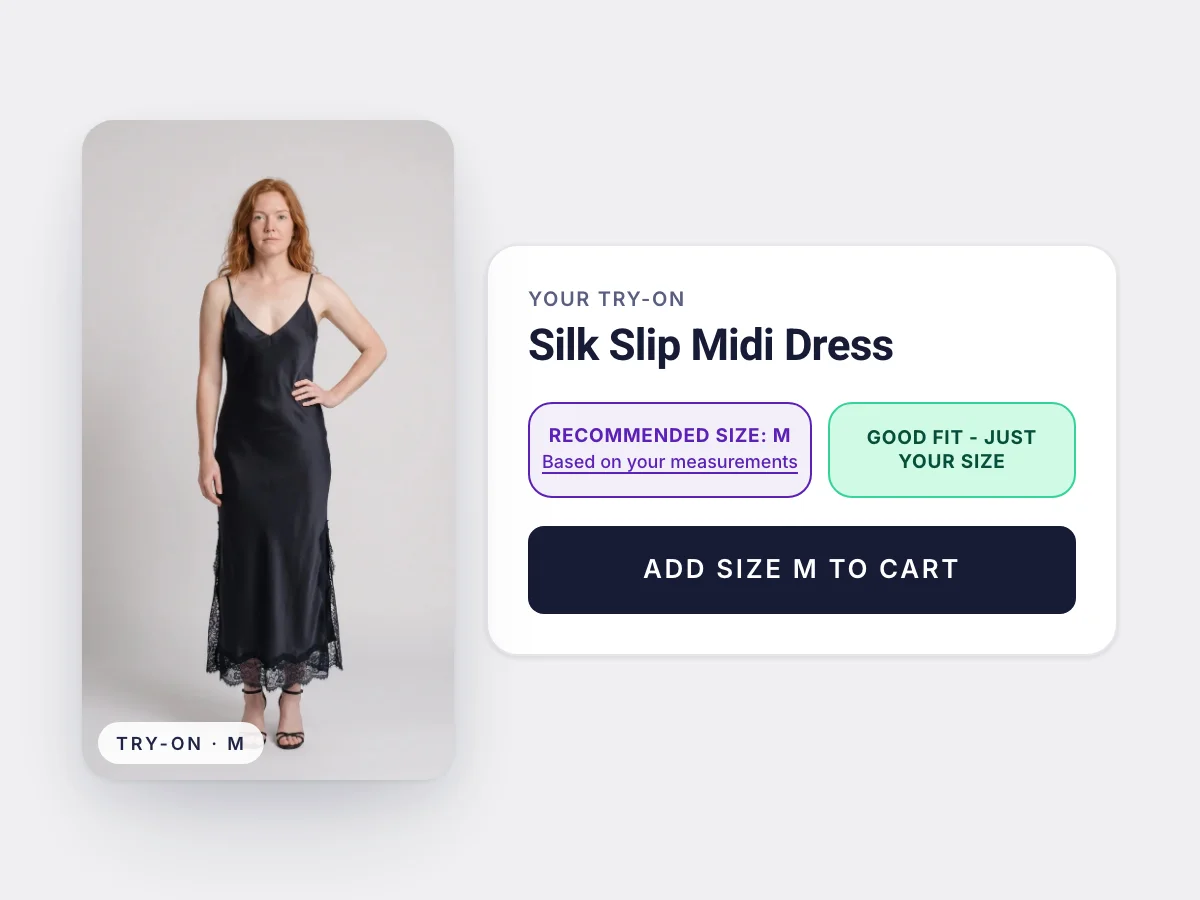
Add to cart from the try-on
Shoppers add the size they just tried on straight from the try-on, without hunting for it on the product page.
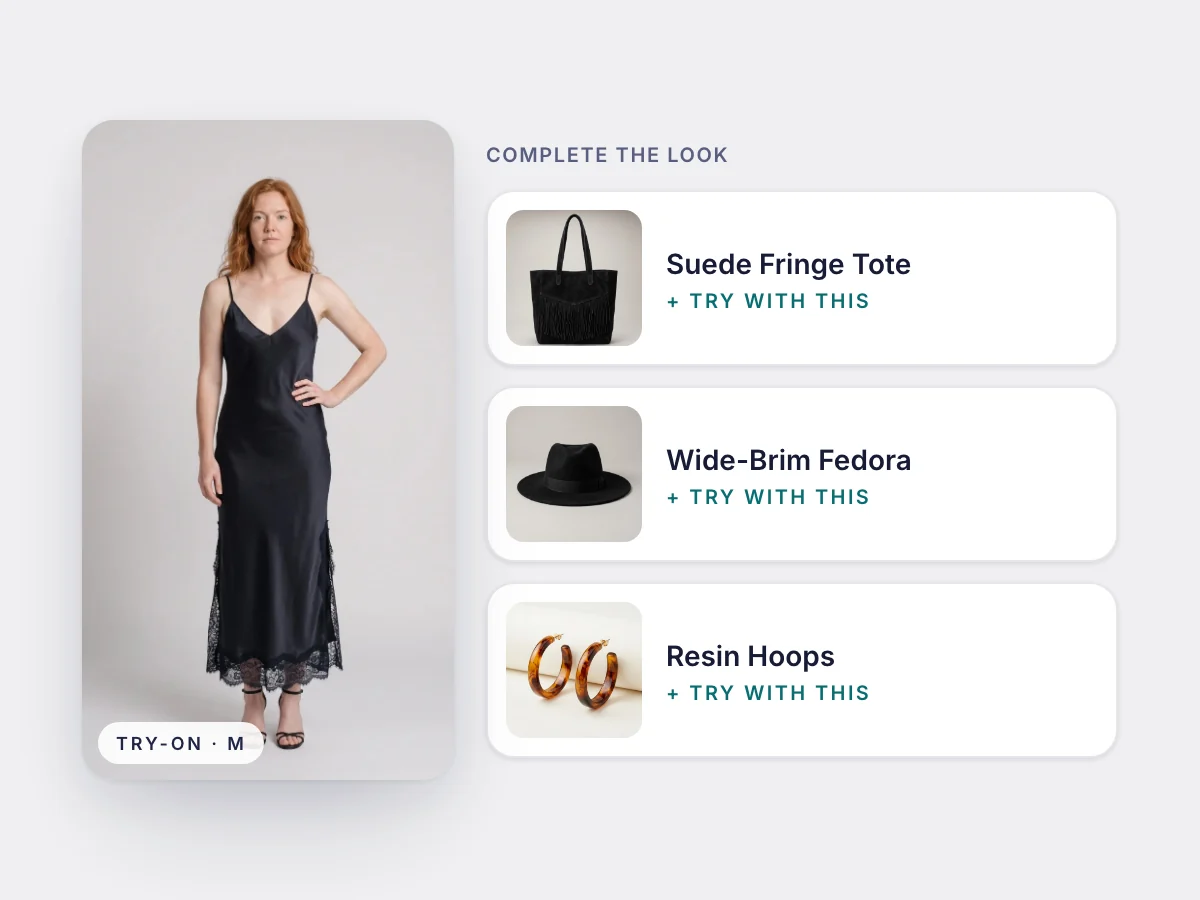
Complete the look
Suggests pieces from your catalog to try together, turning one try-on into a full outfit in the cart.
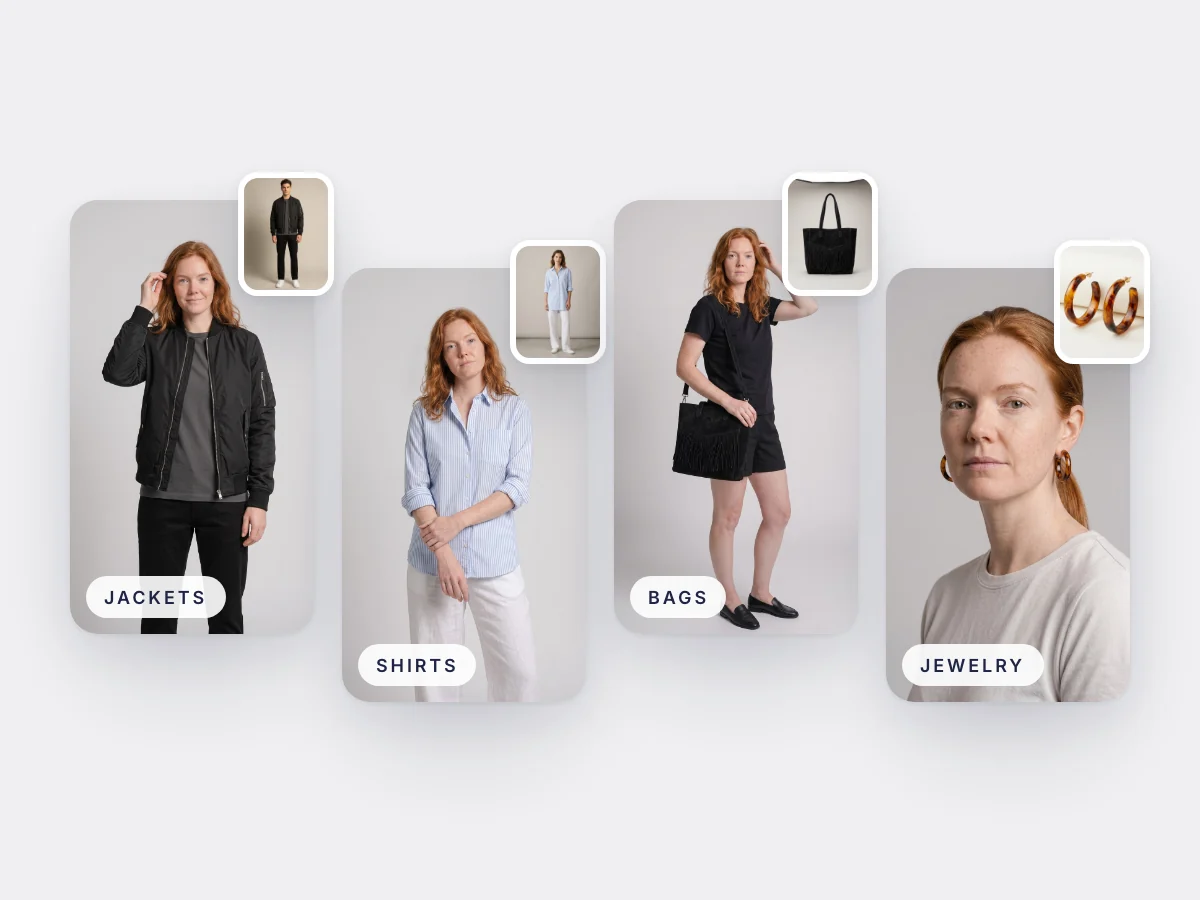
Your whole catalog
Dresses, tops, pants, jackets and suits - plus shoes, bags, hats, sunglasses, jewelry and watches, for men's and women's fashion.
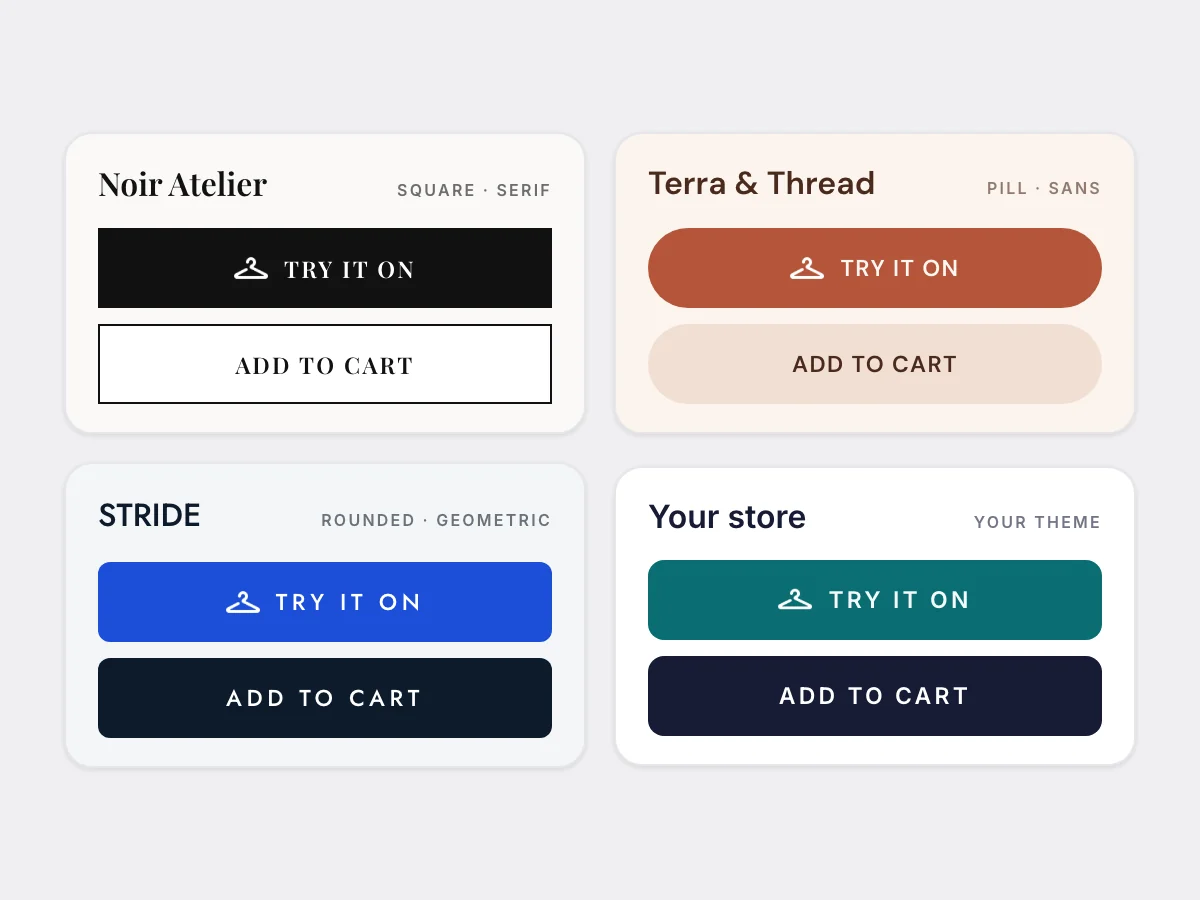
Looks like your store
The Try it on button copies your Add to cart color, shape and font in one click, so it reads as part of your theme.
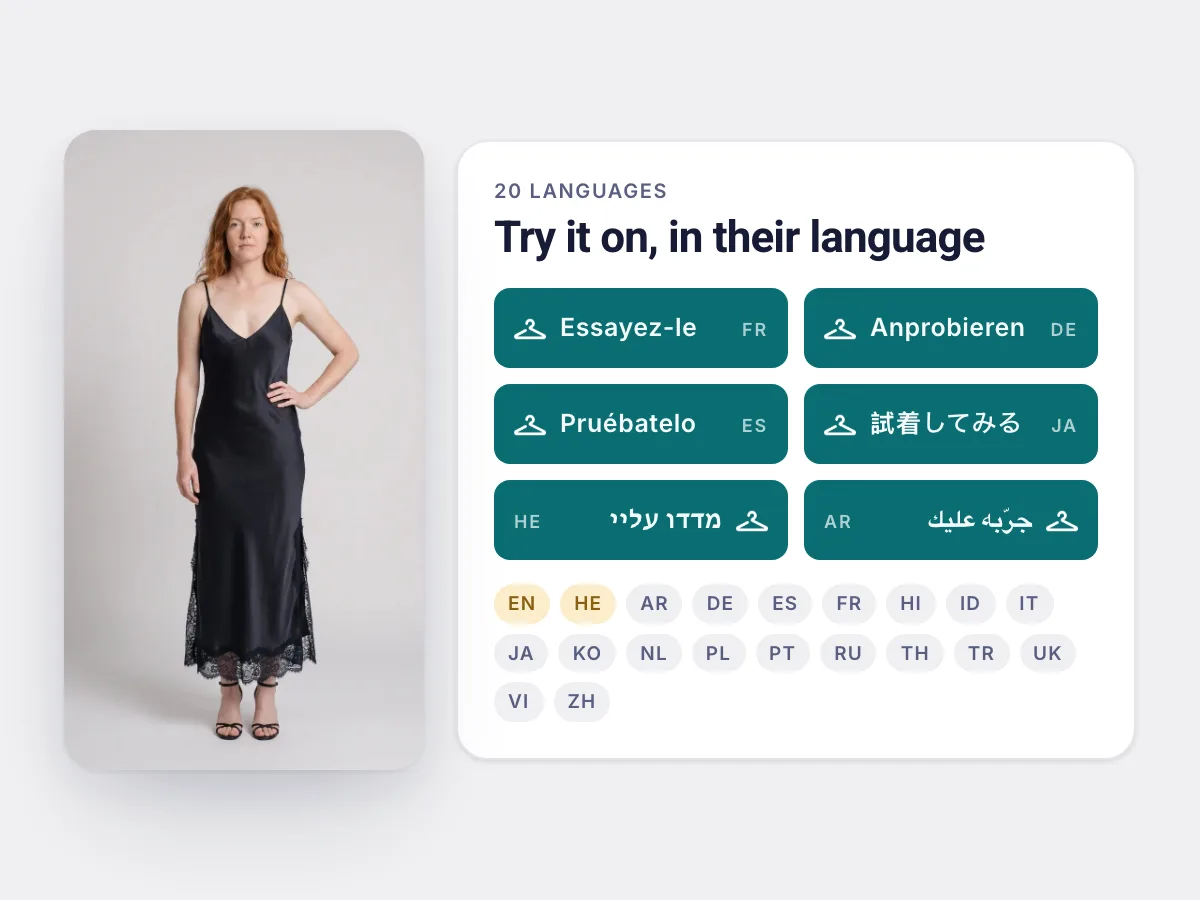
20 languages
The button, size advice and every message in your shopper's language: English, Hebrew, Arabic, French, German, Spanish, Japanese and 13 more, with right-to-left layouts.
Try-ons
Shoppers with a model
Attributed sales
Try-on to cart
Analytics you can act on
Try-ons, shoppers with a model, attributed sales and the try-on-to-cart funnel, plus your most tried-on products.
Live on your store in minutes,
no code
Your products sync automatically and the Try it on button matches your theme. Rather not do it alone? Book a demo and we set it up with you.
Install the DressApp Shopify app
Add DressApp from the Shopify App Store. It is free to install and your products sync automatically.
Pick a plan and switch on the button
Choose pay per sale or a monthly bundle, then turn on the Try it on button in your theme. No code needed.
Customers try on items and you track the results
Shoppers see each size on their own model while you follow try-ons, attributed sales and the try-on-to-cart funnel.
Your first 30 days cost nothing unless try-ons sell
Start on Pay Per Sale with unlimited try-ons: 5% of tried-on sales. If that's under $25 in a month, you pay $25. Never both. No tried-on sale in your first 30 days? We waive the $25. Prefer a fixed price? Pick a bundle. The same four plans are on the Shopify App Store, billed through Shopify.
Pay Per Sale
Most popular5% of tried-on sales (a shopper views a try-on and buys that product within 2 days). If that's under $25 in a month, you pay $25. Never both. No tried-on sale in your first 30 days? We waive the $25.
- Unlimited try-ons
- Unlimited shopper models
- 5% of DressApp-attributed sales
- Usage dashboard
Starter
Get started with virtual try-on and clear usage visibility.
- 100 try-ons / month (~50 monthly users)
- 24/7 support
- Usage dashboard
Growth
More try-ons plus hands-on help shaping the experience.
- 300 try-ons / month (~150 monthly users)
- 24/7 support
- Usage dashboard
- Customization
- Dedicated success manager
Pro
Higher volume with a path for product-specific requests.
- 600 try-ons / month (~300 monthly users)
- 24/7 support
- Usage dashboard
- Customization
- Dedicated success manager
- Custom feature requests
- API access for custom UI
Need more than 600 try-ons a month?
Higher-volume and custom plans are available for larger catalogs.
Why DressApp exists
Hey - I'm Yotam, 21, from Ramat Hasharon. About six months ago I decided I wanted to fix the uncertainty and hesitation that comes with buying clothes online. That eventually led me to found DressApp: a startup built to answer the two questions that stop people on a product page:
- Does this item actually suit me?
- What size should I take, and how will it look on me?
We answer both by showing how each size sits on the shopper, with a realistic virtual try-on of the item on their body - one of the strongest in the market, if I do say so myself.
How it started
I'm currently a career soldier, and long days don't leave much time for one of my favorite rituals: shopping for clothes. So like a lot of people in Israel, I got pulled into online shopping - and was surprised by how much of the process is guesswork and crossed fingers. Hard to trust those guesses when you're spending real money, and honestly I have zero energy for the returns circus.
To deal with it, I built myself a Chrome extension that showed how each size would sit on me and visualized the item in the size I chose on my own body. It was a lifesaver. No more stress the second I hit a product page. I could decide with confidence, the clothes arrived the way I expected, and I lived happily ever after.
Then I thought - why keep that to myself? Why not put it inside fashion stores so their customers get the same peace of mind? That's how DressApp was born.
My goal is to kill the hesitation on the product page and let shoppers decide with a clear picture of how the garment looks on them and which size to order. That confidence is also one of the biggest reasons people abandon carts in fashion. Better trust means more purchases over time, fewer returns, and less money burned on reverse logistics.
After a long stretch of building and polishing, I'm happy to say we've started integrating with a handful of selected fashion stores - to ship the capability in their shops, gather feedback, and keep improving the product.

Yotam Fogel
Founder
Questions merchants ask before installing
Still unsure? Book a free demo and ask us on the call.
Everything you get, and your first 30 days cost $0 unless try-ons sell
Install it yourself in minutes, or book a call and we'll set it up with you on your own products. Founding spots get launch pricing locked in.
- Try-ons on every shopper's own body - unlimited on Pay Per Sale
- A size recommendation from your own size chart
- Every size rendered
- Complete the look outfit suggestions from your catalog
- A Try it on button that matches your theme, no code
- Dashboard of try-ons, attributed sales and try-on-to-cart
- White-glove onboarding with the founder
- Locked-in launch pricing as a founding merchant
- First 30 days on Pay Per Sale if no try-on sells$0